
SHAREit
SHAREit is a free Windows app from the SHAREit Team for moving photos, videos and documents between a PC and a phone. The current version is 5.1.0.7.
22.7 MB

Tera Term is a free, open-source terminal emulator for Windows used for SSH and Telnet sessions and for talking to devices over a serial port.
Average 0.0 · ratings: 0
Thank you! Your rating is saved; you can change it. Could not save the rating. Please try again later. Too many ratings from your network today. Please try again tomorrow. The average appears after 5 ratings.
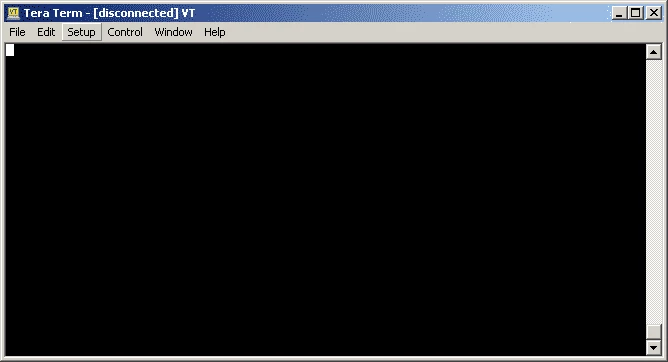
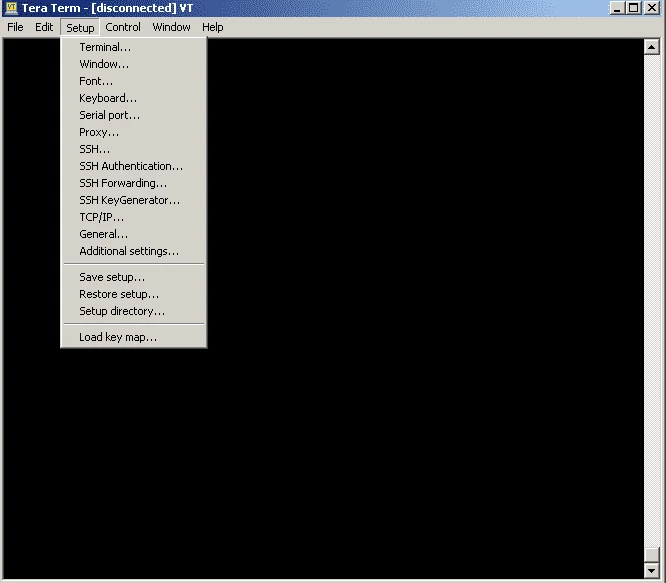
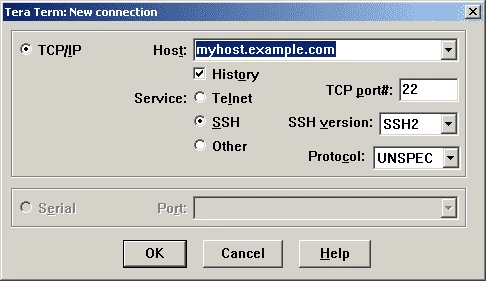
Tera Term 5.7.0 is a free, open-source terminal emulator for Windows, released on September 4, 2026 by the TeraTerm Project. It connects to servers over SSH or Telnet and to routers, microcontrollers and other hardware through a serial port. You can download Tera Term for Windows from the project's website or its GitHub page.
According to the official requirements page:
Tera Term has been a fixture on engineers' PCs for a long time. Network administrators use it to log in to switches and routers through a console cable, embedded developers use it to read debug output from boards over a USB-to-serial adapter, and system administrators open SSH sessions to Linux servers. Its macro language is a big reason people stay with it: repetitive jobs such as logging in to a device, sending a series of commands and saving the output can be scripted and run with one click. Logging is equally practical: everything that appears in the window can be written to a file with timestamps, which is valuable when you need to prove what a device printed.
Use SSH rather than Telnet whenever the device supports it, since Telnet sends passwords unencrypted. Check a server's host key the first time you connect and keep Tera Term updated; security fixes and changes are listed in the release history.
PuTTY is the other classic free terminal in our listings, and MobaXterm combines a terminal with file transfer and more. WinSCP and FileZilla handle file transfers over SFTP.
SHAREit is a free Windows app from the SHAREit Team for moving photos, videos and documents between a PC and a phone. The current version is 5.1.0.7.

Zapya for Windows is a free file transfer app from DewMobile for moving files between a PC and phones over a local wireless connection.

Easy Connection to Screen is Samsung's Windows app for showing a PC's screen on a compatible Samsung TV over a wireless connection.

Internet Download Manager (IDM) is a shareware download manager for Windows from Tonec that accelerates, resumes and schedules downloads.

uTorrent (μTorrent) is a small BitTorrent client for Windows from Rainberry (BitTorrent Inc) for downloading and sharing files over torrents.

AnyDesk is a remote desktop application for connecting to and controlling another computer over the internet, from a small Windows program.

ShareMe is Xiaomi's free app for sending files between devices without a cable; on Windows the Android app runs only inside an emulator.

Xender is a free file sharing app from the Xender File Sharing Team for sending files between phones and computers over a local connection.